
Advanced Timer on a Windows desktop in a bright office

Old Burzcast Software

Windows software we built, and still keep

A record of applications we made over the years and no longer develop. Each one still runs on Windows 10 and Windows 11, and is free to download.

The applications

Kept as they were, free to download

They run locally, without accounts or telemetry. We no longer update them and may not be able to offer support, but we are always glad to hear how they serve you.

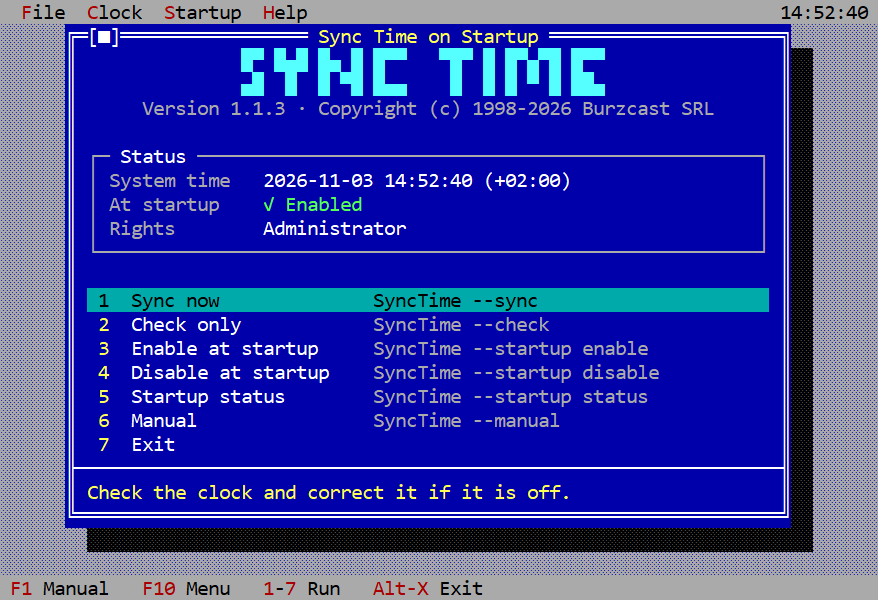
Sync Time’s blue text-mode main menu with its status box and list of commands
Written in 2026, in the manner of 1998

Sync Time

Sync Time sets your Windows clock from an internet time server, in a full-screen text interface straight out of 1998. It looks old, but it is a new .NET 10 app that runs in the terminal, with nothing else to install.

Learn more about Sync Time
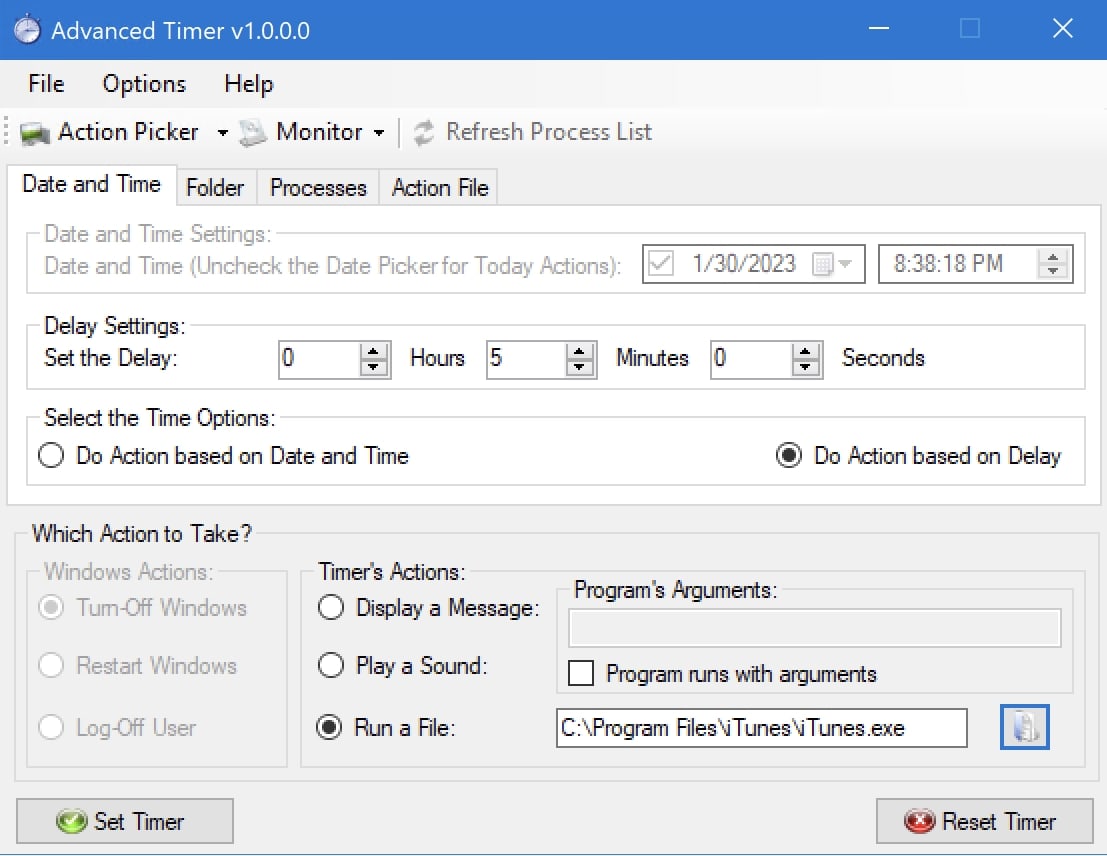
Advanced Timer trigger dashboard
First released in 2007

Advanced Timer

Advanced Timer runs the small, recurring jobs of a Windows PC: timed actions, process and folder triggers, program launches and a log of everything it did. Our first commercial product, on sale and reviewed in 2007.

Learn more about Advanced Timer
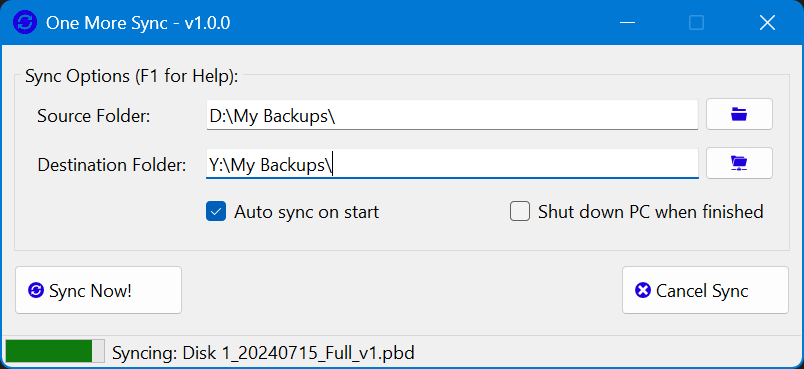
One More Sync with source and destination folders
Released in 2026

One More Sync

One More Sync copies new and changed files from a source folder to a destination folder, compared by size and checksum. It can run unattended and shut the PC down when it finishes.

Learn more about One More Sync

About this record

Software since 1998

We have written software since 1998: in Turbo Pascal and C for MS-DOS, then in Visual Basic and Delphi for Windows, and in .NET from the 2000s. Advanced Timer was our first commercial product: it went on sale in 2007 and was reviewed by Softpedia the same year.

This site keeps such applications available after we stopped working on them. We may rebuild or improve some of them one day; nothing is decided. What we build now is on burzcast.com.