
Overview
Dependable task execution for Windows
Advanced Timer runs the small, recurring jobs that keep a Windows PC in order: shut it down after a backup, launch a program with the right arguments, react when a process stops or a folder changes, and keep a log of everything it did.
Rules stay on the machine that runs them. There is no server, cloud account or external scheduler to set up, which suits controlled environments where automation should be simple to review.
It was our first commercial product: version 1.0 went on sale in 2007, written on Windows XP for .NET Framework 2.0. The download here is version 1.0.0.4, rebuilt in 2025 on .NET Framework 4.8. It runs from Windows 7 SP1 to Windows 11.
Softpedia reviewed the first version of Advanced Timer in September 2007 and rated it 4 out of 5.
Read the Softpedia reviewReal product interface
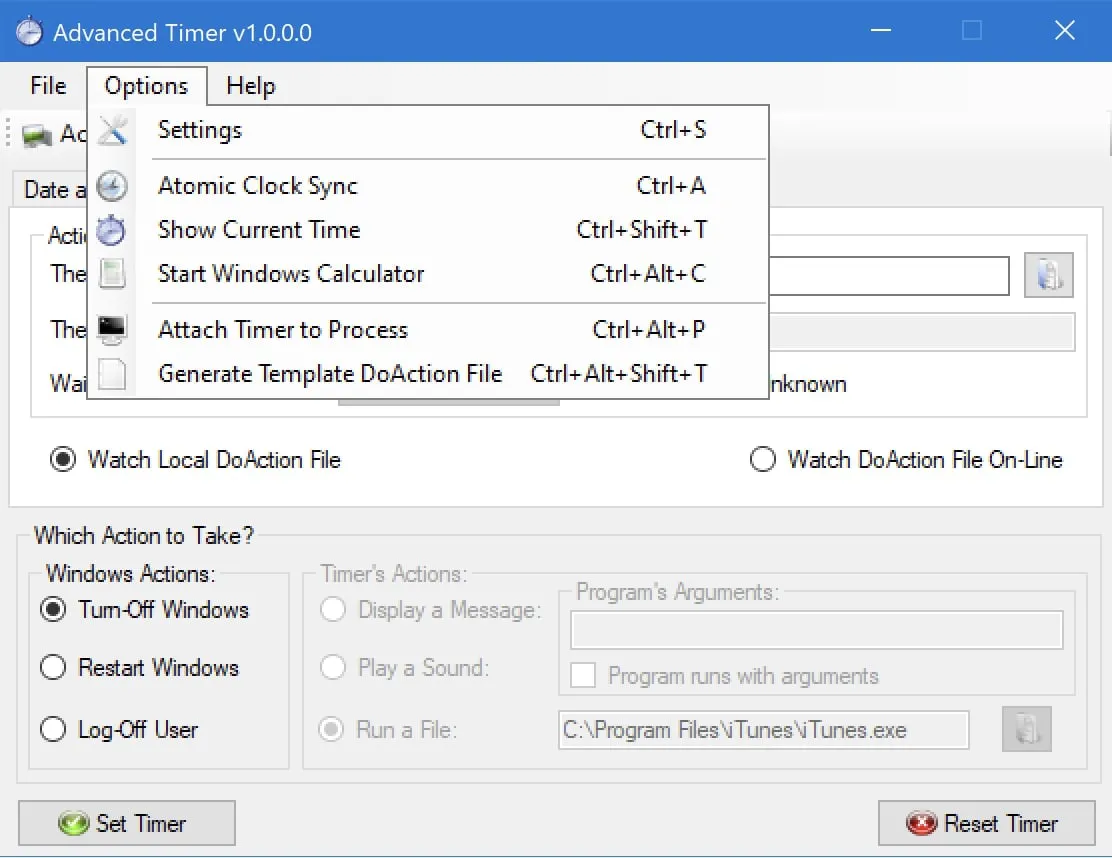
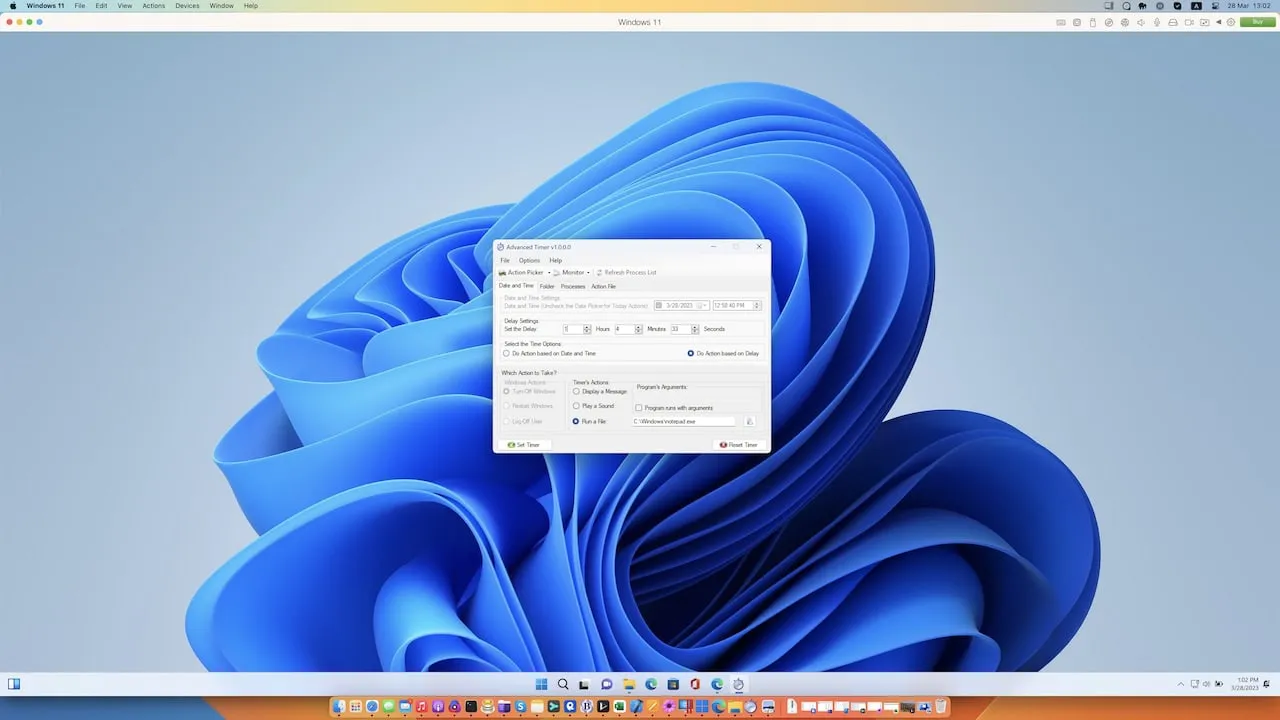
Advanced Timer screenshots
Select the image to open it at full size.
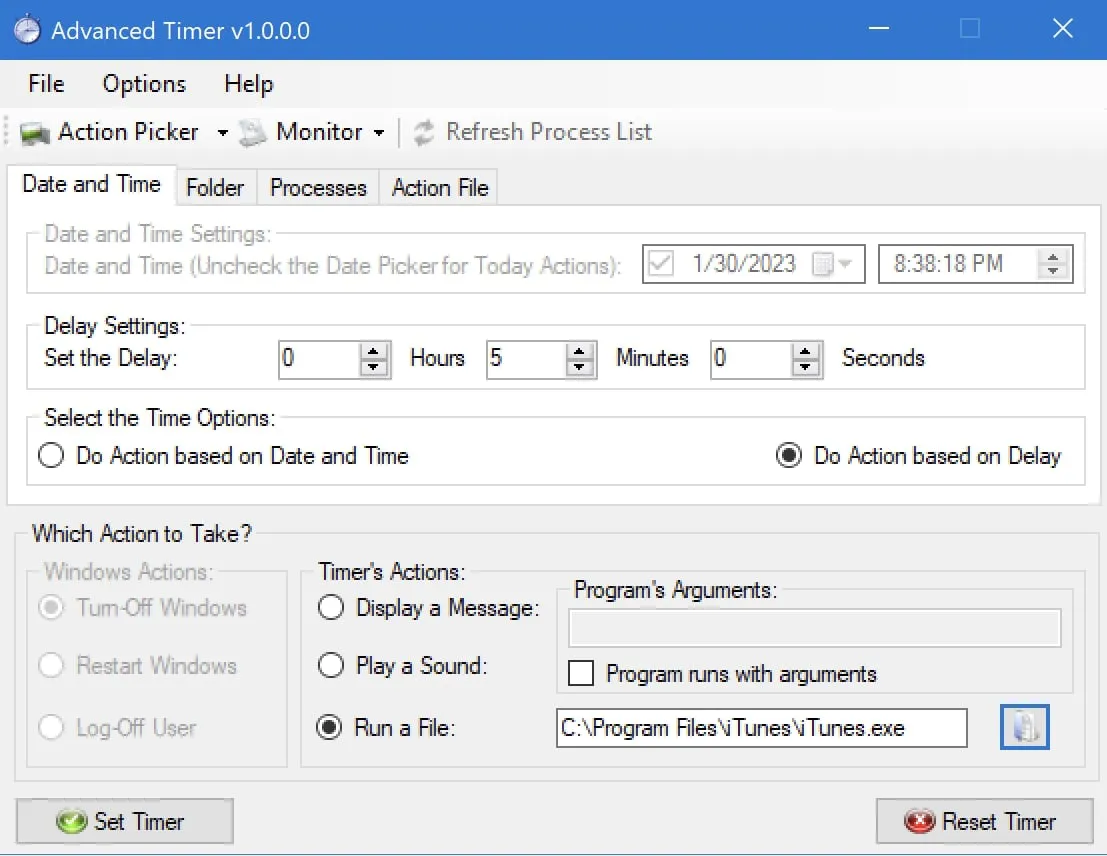
Configure timed and conditional triggers from one focused Windows workspace.
Features
What it does
- Schedule actions by exact date and time, or after a delay.
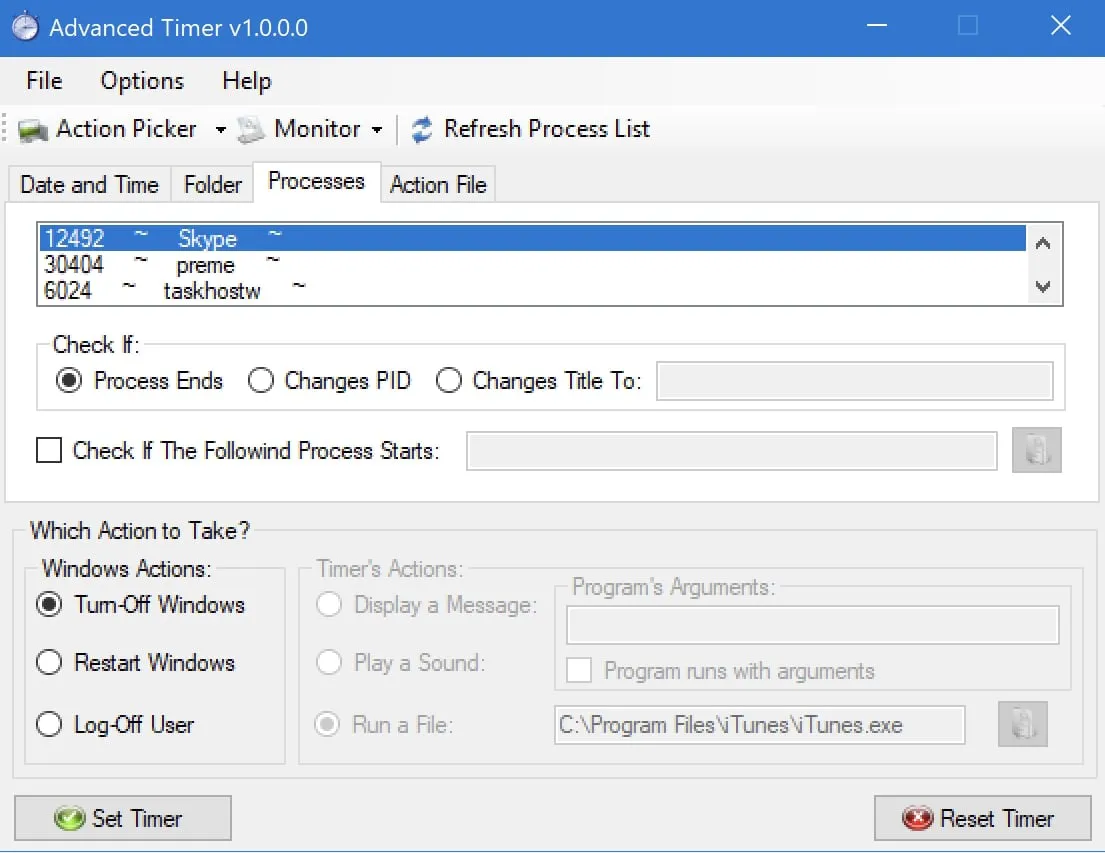
- Shut down, restart or log off Windows.
- Launch files and programs with arguments.
- React to process start and stop conditions.
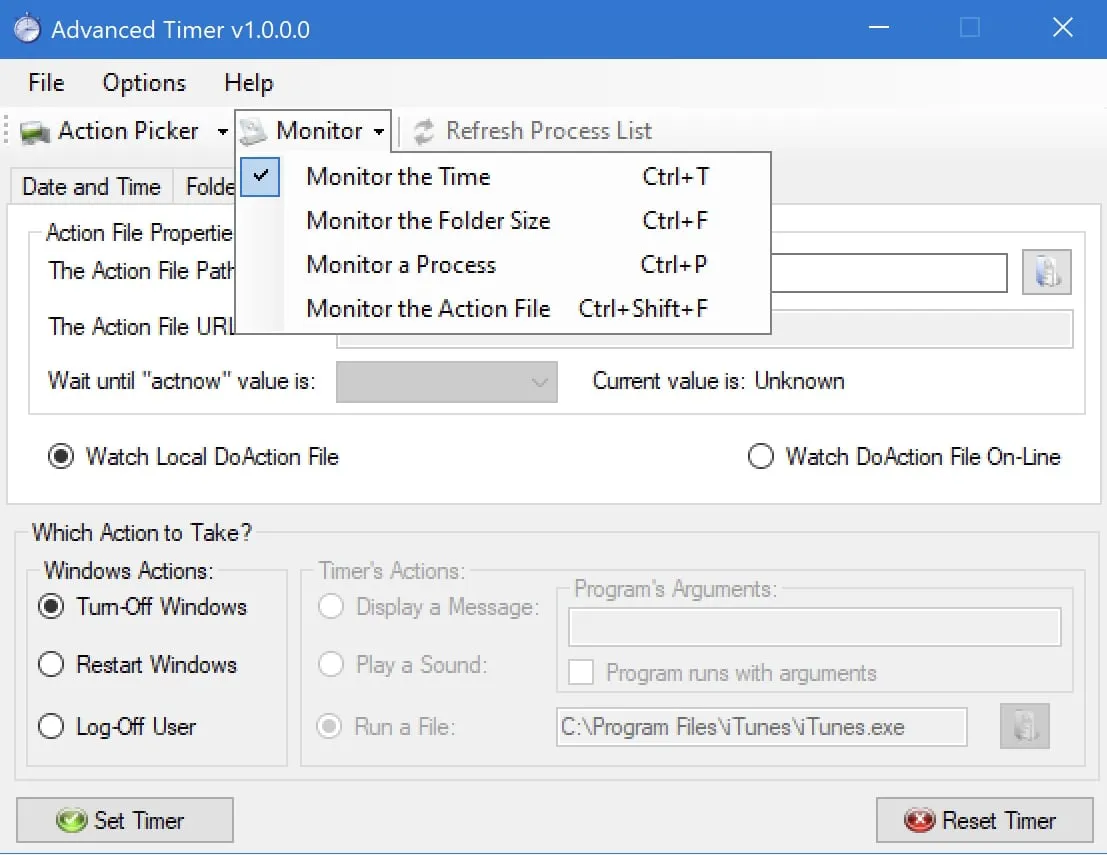
- Watch folders and act the moment a condition is met.
- XML-driven rules for controlled integrations.
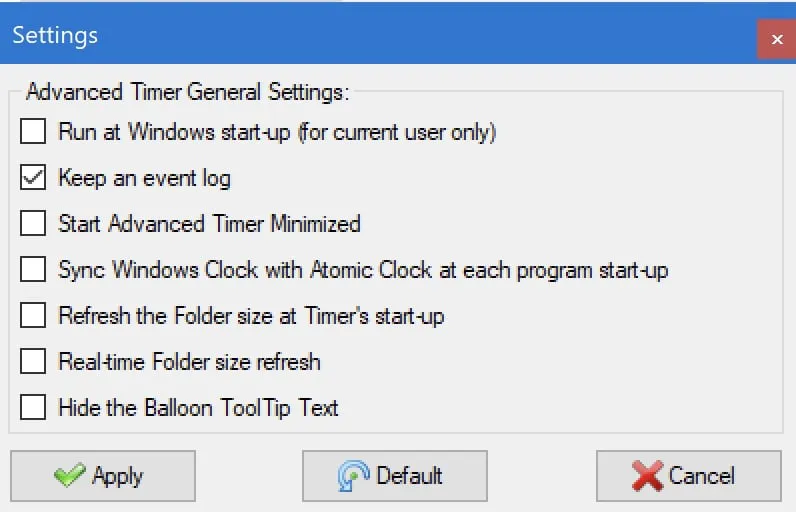
- Alerts, sounds, and event and action logs kept on the PC.
Requirements
System requirements
- Windows 7 SP1 to Windows 11
- .NET Framework 4.8
- Intel or AMD dual-core processor or newer
- 4 GB RAM
- 300 MB of available storage
Download
Advanced Timer 1.0.0.4
Released on 19 February 2025. Free to download and use under the license. It is no longer developed and is offered as it is.
-
Installer
Windows 10 and Windows 11 · advtimer.zip, 1.6 MB
SHA-256
942f422bc9aab412103fdad9d5832cfc55108103881b83417ee6fca87a2ece6b
To check a download, run certutil -hashfile advtimer.zip SHA256 in the folder that holds it; the result should match the line above.
Getting started
From ZIP to running
- Download the ZIP and unzip it.
- Run advtimer.exe and follow the installer.
- Open Advanced Timer, choose when it should act (a date and time, a delay, a process or a folder), then choose the action.
- Select Set Timer. The event log shows what ran and when.
The installer isn’t code-signed, so SmartScreen may ask for confirmation the first time.
Privacy
No telemetry, no account
Advanced Timer runs on your PC, with no account, analytics or telemetry; its rules and logs stay on your computer. It connects to the internet only to look for a new version on a Burzcast server (at most once a week; none is published any more), to set the clock from public NIST time servers if you turn that on, and to download a rules file from an address you enter.